So, How Do I Add My Fed and Show?
I'm glad you asked!
The first step is creating your account. You can click the Sign Up link in the nav bar to get started. This will allow you to create a standard account with your desired username, email address, and password. You only need to sign up if you plan to use the site to host your live release shows. Visitors do not need to create an account.
Once you have an account, you will Log In and access the dashboard.
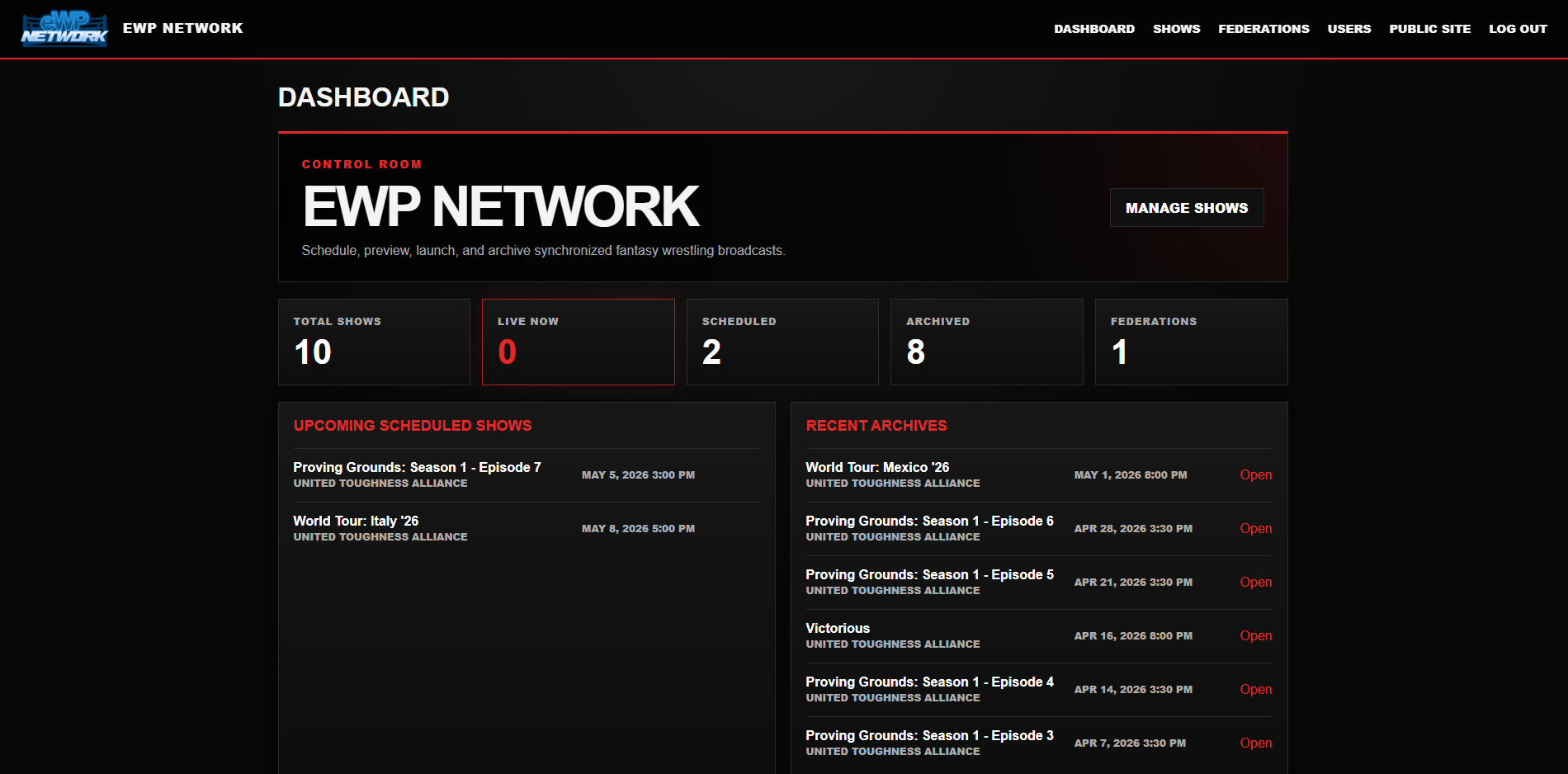
Your first time signing in, you should add your eFed. Click Federations in the navigation menu. Once you have done that, you will be able to create your fed in the database by clicking the Create Federation button.
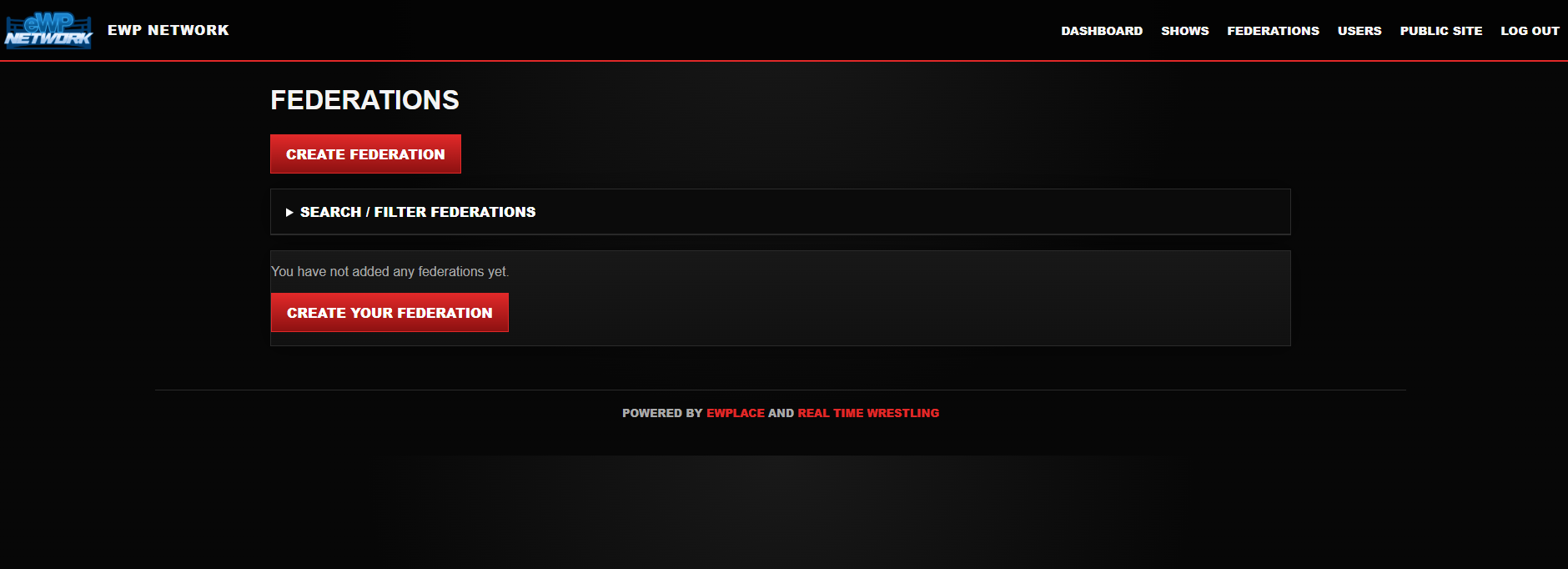
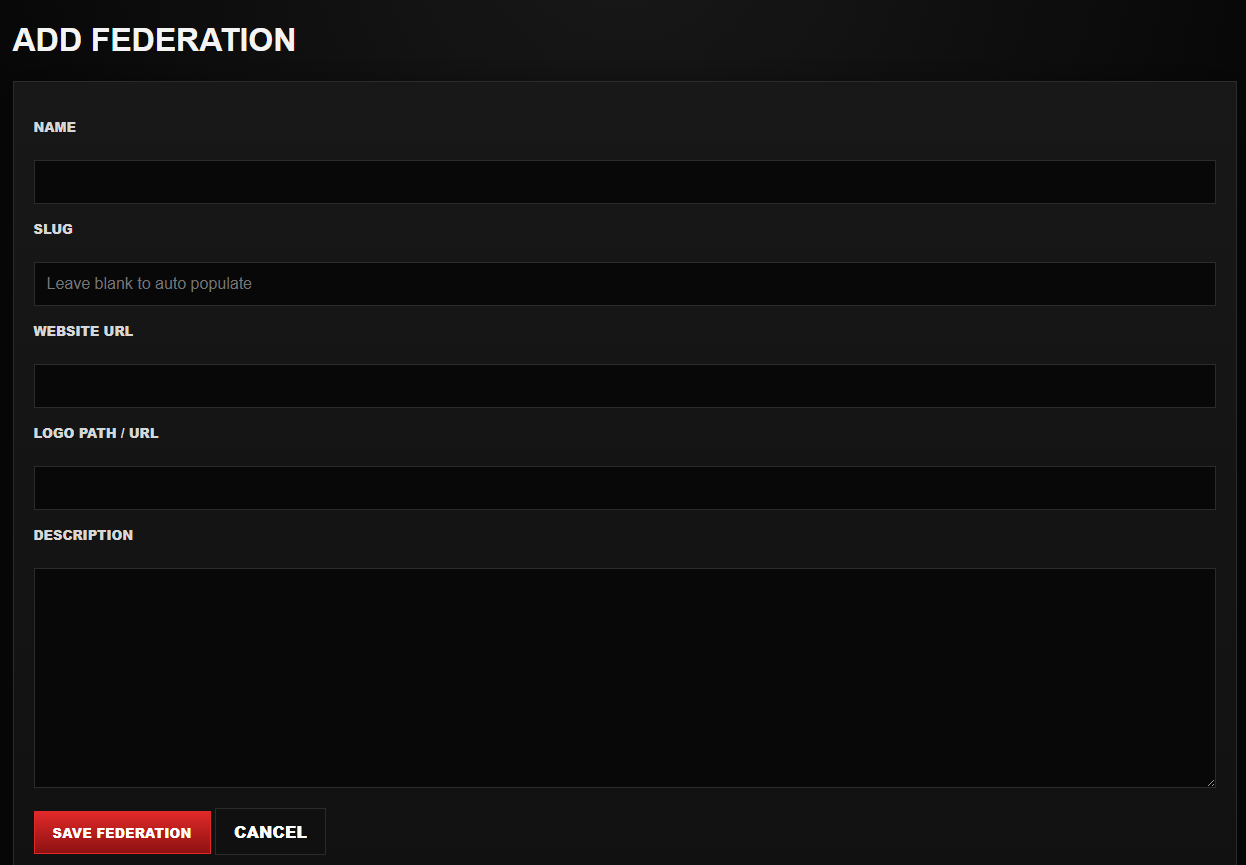
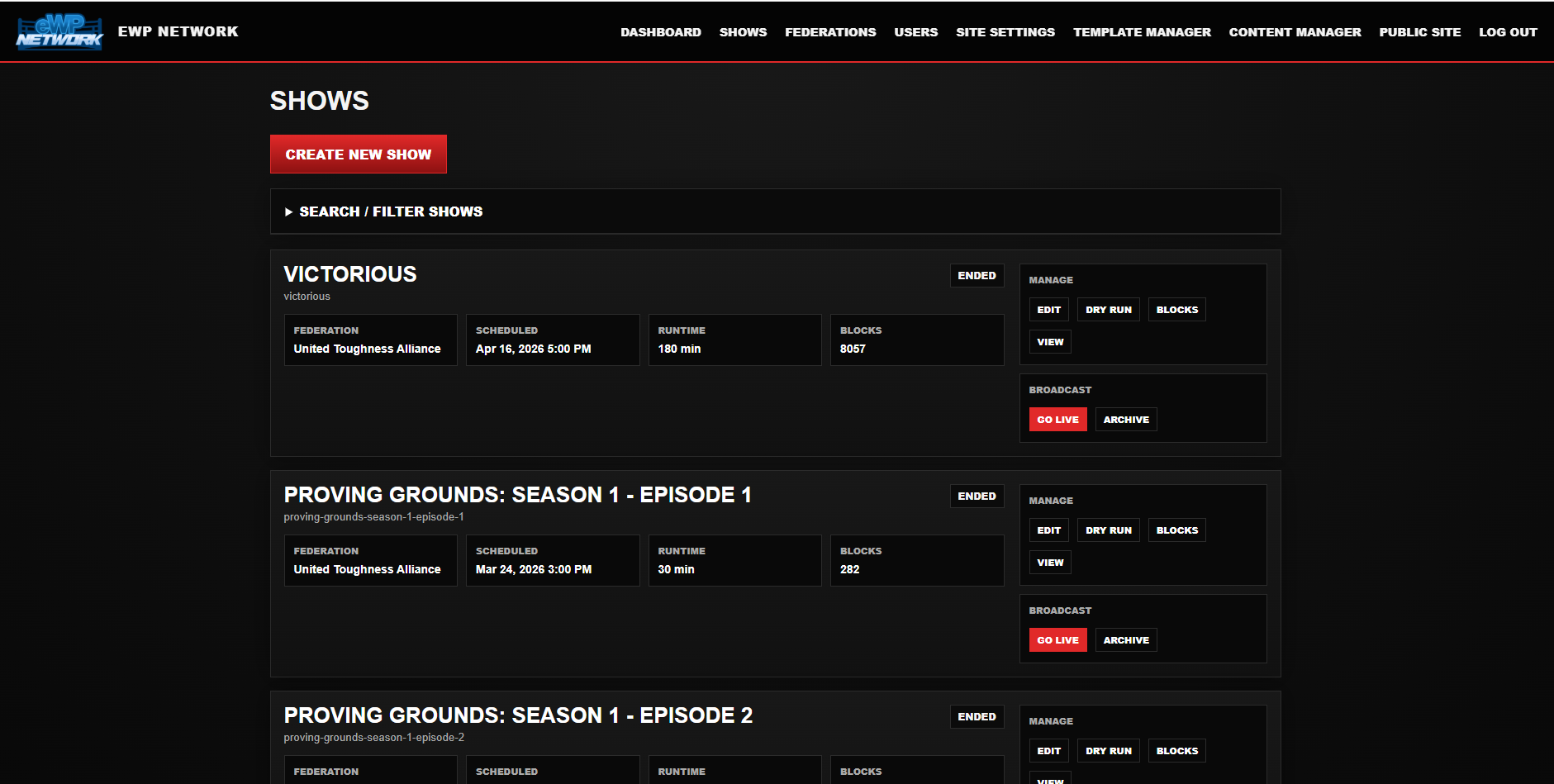
After adding your fed into the database, you can now click the Shows link which will allow you to add and edit your shows.
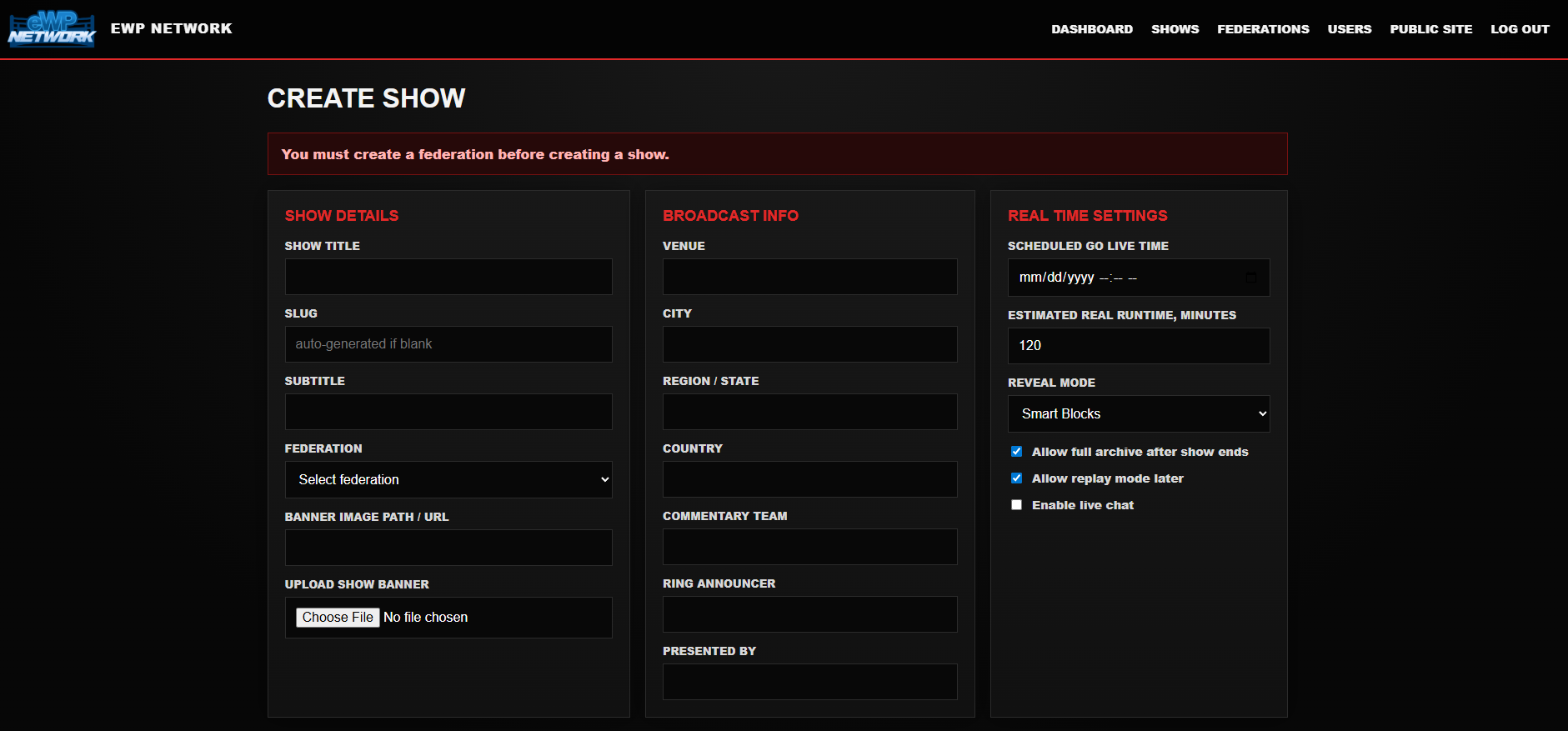
Whatever number you put in as the runtime (in minutes), that is what speed the show will air at. We recommend a typicaly result show be 120 to 180 minutes.
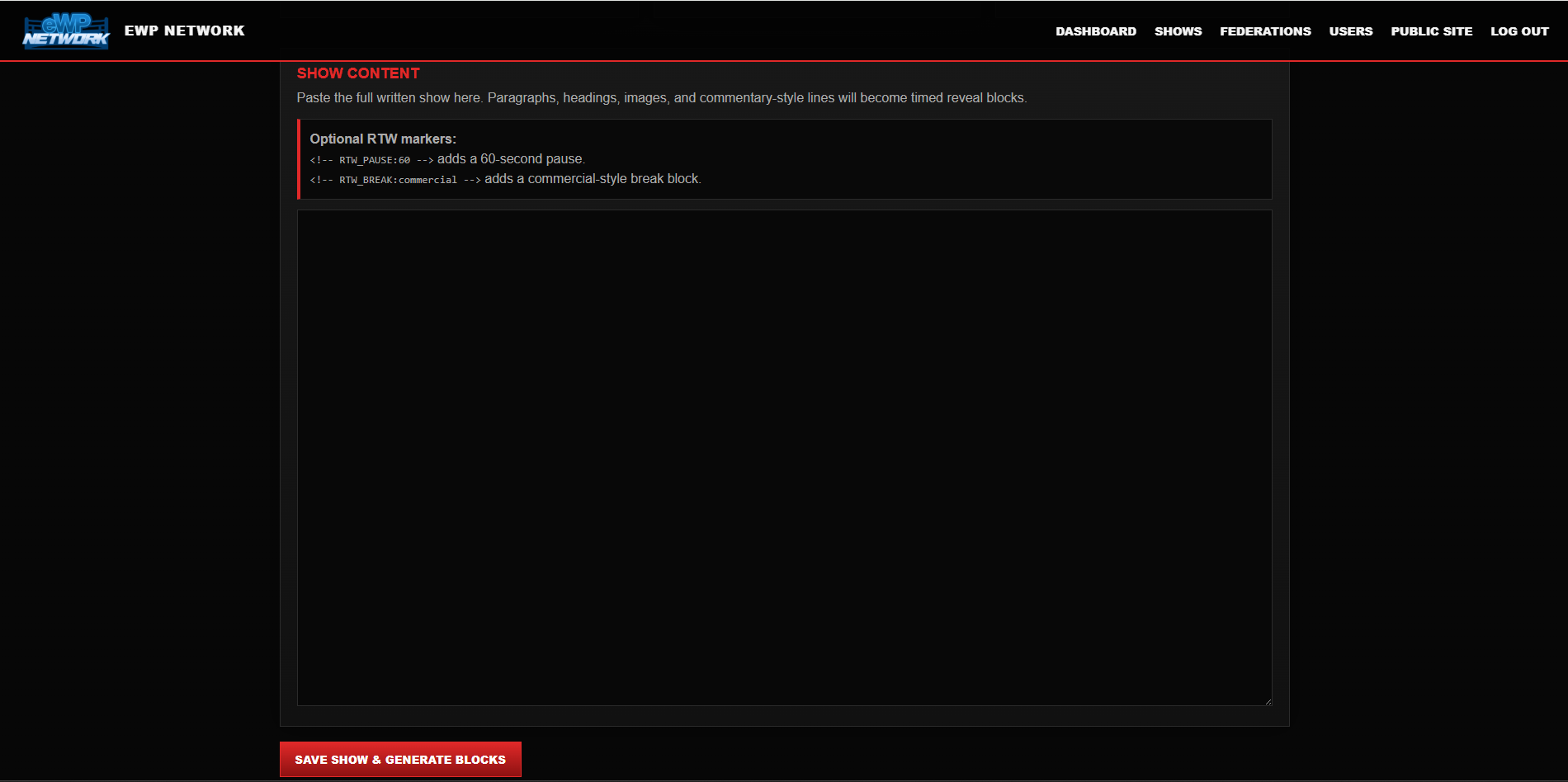
When pasting your show into the editor, you need to just drop the full text of the show. Currently, HTML isn't supported (although we plan to fix that later!) Here's an example:
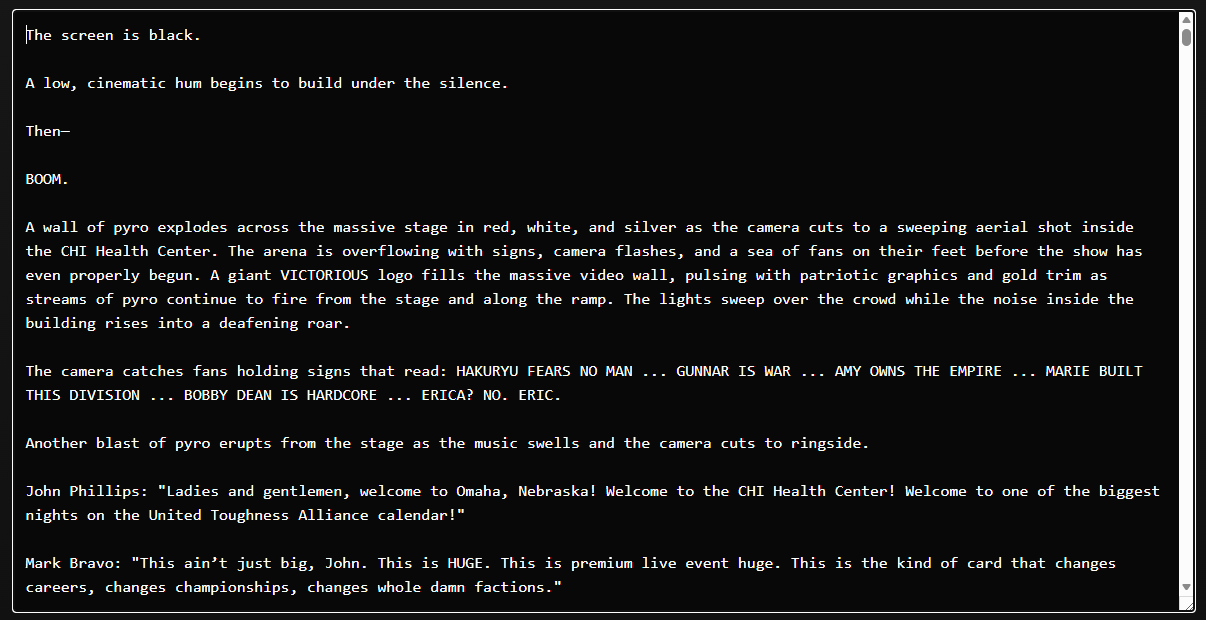
Click the Save & Generate Blocks button after adding your show text. This will give you options to review and mnaually update the generated blocks, preview how the show will display with a dry run, or recalculate the blocks if you've made text edits.

Once the show is saved, it will begin at the date and time that you scheduled it. Please be aware, you must enter your show's text into the show box and save prior to this time or your live show will display blank, which is no fun for anyone who shows up to read.
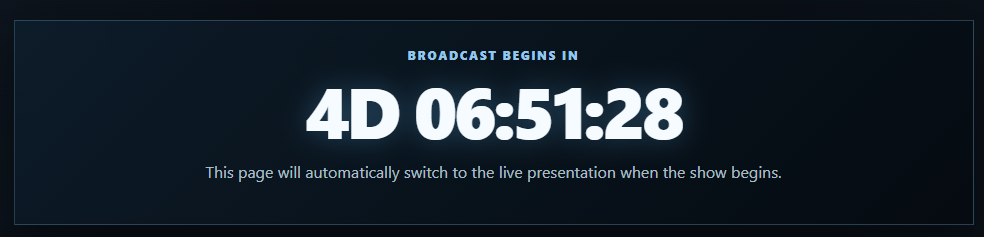
The show page will now show acountdown clock until it goes live automatically on the scheduled date and time.
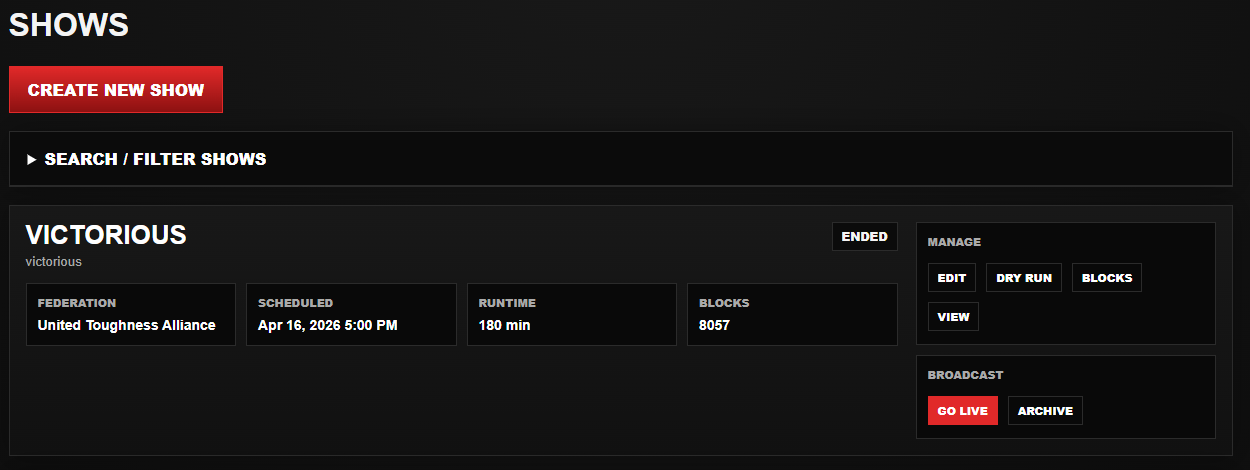
If you find yourself impatient (like me) or a time works better for your handlers than the scheduled time, you can go live at any time on the shows tab by clicking Go Live.
That's it! It's that easy to get your show on the eWP Network. We recommend the first few times you use it, to allow enough time to test by using the dry-run preview. You may find it's easier to just let the system handle it, or maybe you want to ensure every block is the way you want it. Whatever the case is, you have the power to do so.
The system checks for shows needing to be published every 60 seconds, so if your show doesn't start on the dot, it should within the next minute.